
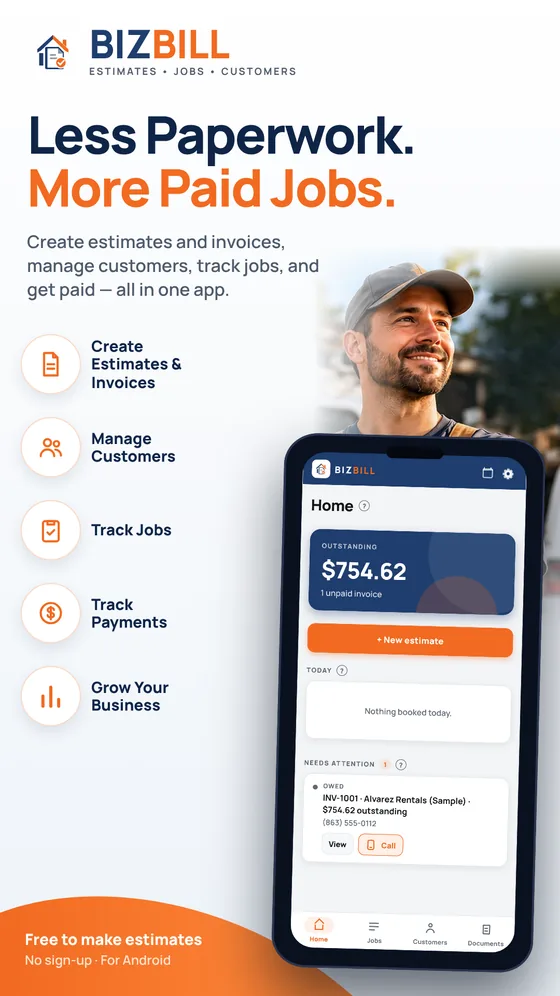
Less Paperwork. More Paid Jobs.
Create estimates and invoices, manage customers, track jobs, and get paid — all in one app.
Get BIZBILL on Google PlayFree to make estimates · No sign-up · For Android
- Create InvoicesProfessional invoices in minutes.
- Manage CustomersKeep everything organized.
- Track JobsKnow what’s due and what’s next.
- Get Paid FasterSend invoices and track payments.
- Create Estimates & Invoices
- Manage Customers
- Track Jobs
- Track Payments
- Grow Your Business
Built for your trade

Painters

Plumbers

Roofers
Electricians

Handymen

Landscapers
Also set up for drywall, flooring, remodeling, HVAC, fencing, cleaning and general contractors.
Run Your Contracting Business Smarter with BIZBILL.
- Save TimeLess admin work, more time on the job.
- Stay OrganizedCustomers, jobs, invoices — all in one place.
- Get Paid FasterTrack payments and send reminders.
- Take It AnywhereWorks on your phone, wherever you work.
Everything in the box
From the first quote to the last payment
The things a small crew actually does, in the order they do them.
Signed on the spot
The customer signs on your screen, or opens a link and accepts from their own phone. You see when they opened it.
Change orders that stick
The work changes. Write it down, get it approved, and it goes on the final invoice.
Deposits and payments
Ask for a deposit to start. Record cash, check, Cash App, Venmo or Zelle, and watch the balance fall.
A calendar for the work
Book the job on a day, see today at a glance, and never promise a start with no date on it.
Reminders for late invoices
Your phone nudges you when an invoice is overdue, with a polite note ready to text or email.
Photos on the estimate
Attach a photo of the job. It prints on the PDF you send.
Say it instead of typing
Speak a line, a price or a customer name when your hands are full.
PDFs that look professional
Estimates, change orders and invoices with your logo, business details and a number on each.
Customers kept straight
Every job, document and payment is filed under the right customer.
See it working
See it work before you try it
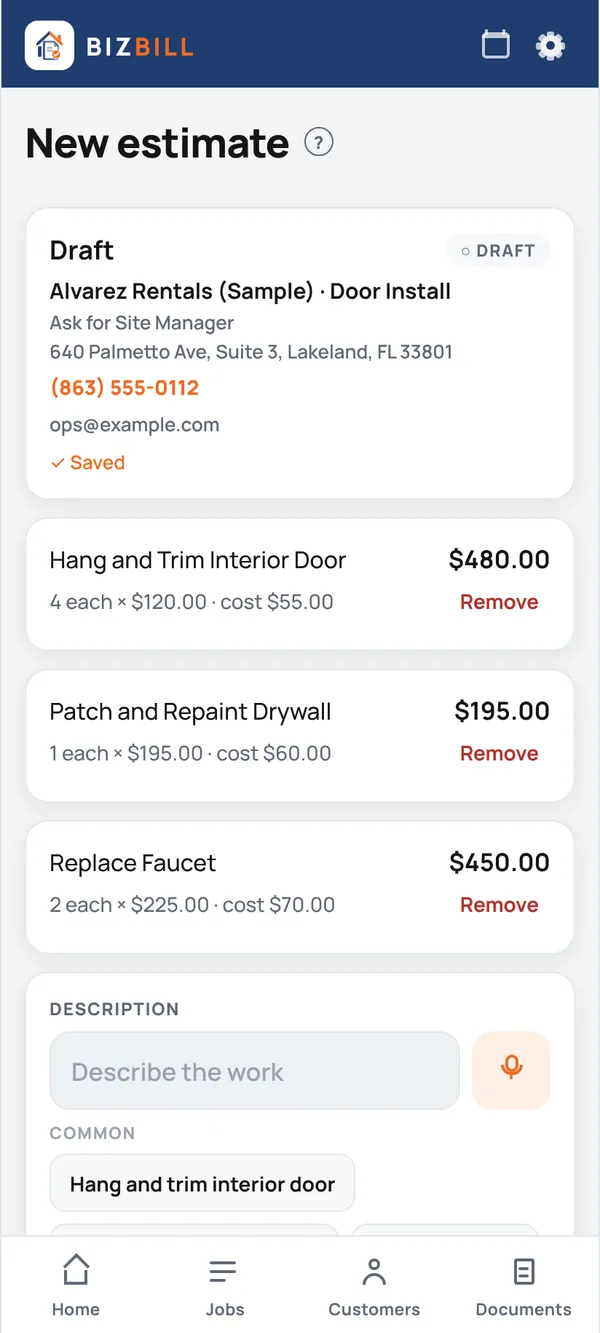
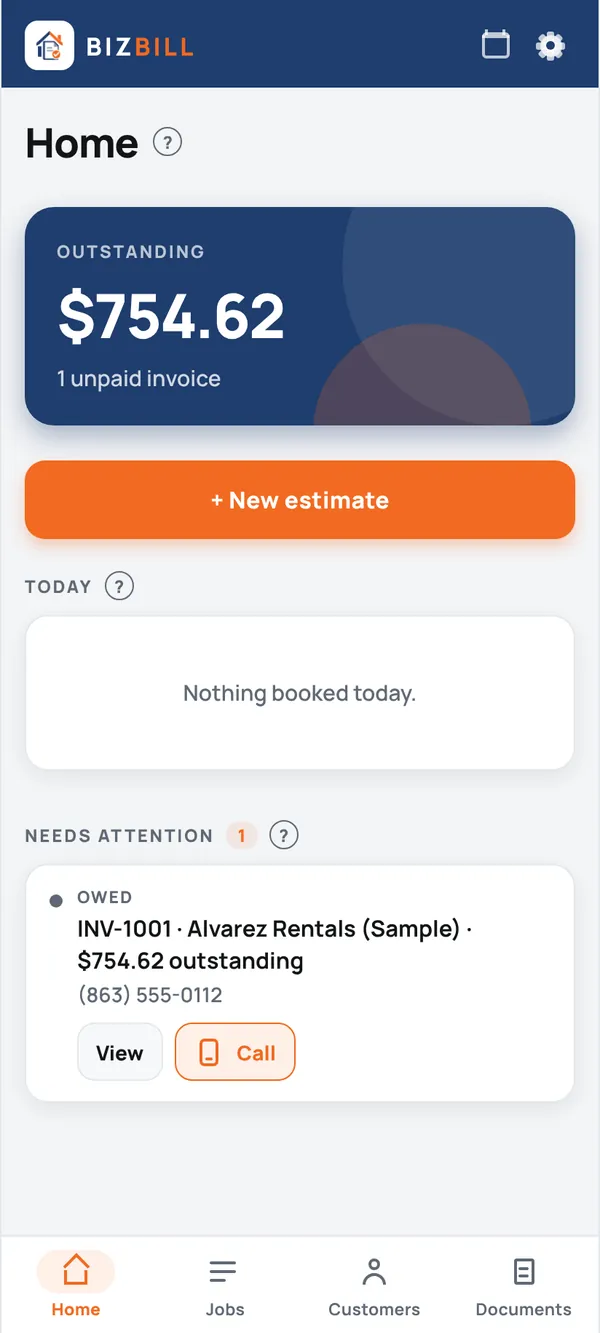
Real screens from the running app, filled with example jobs. Nothing here is a mock-up.
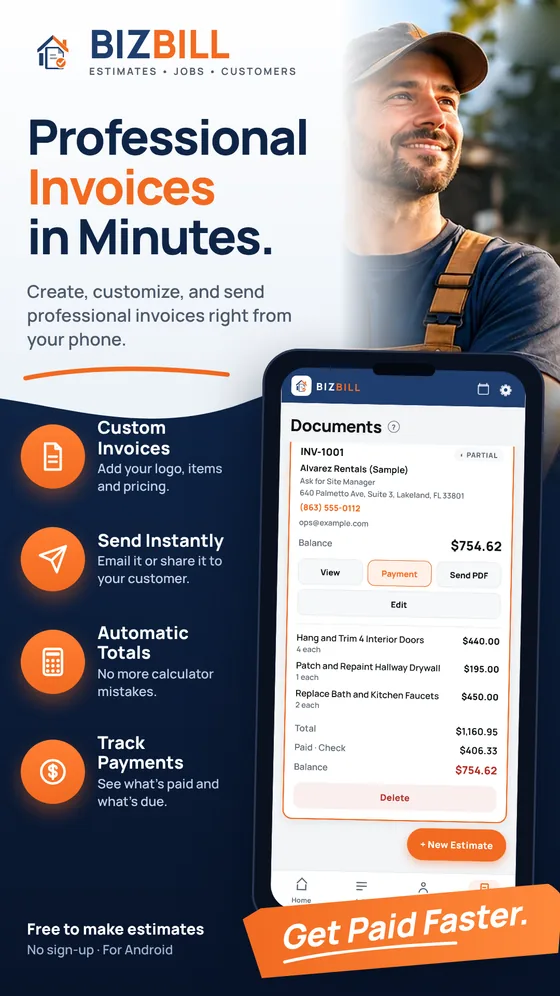
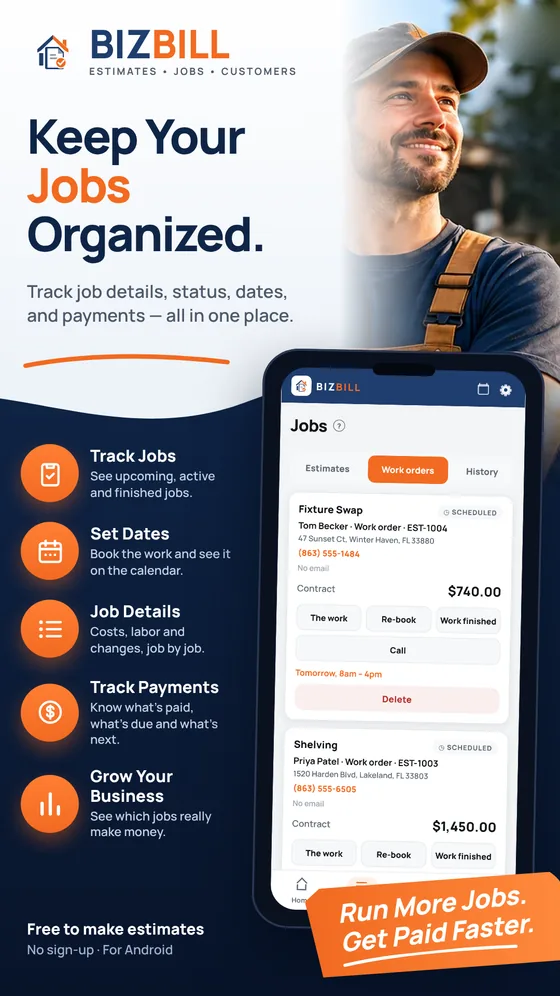
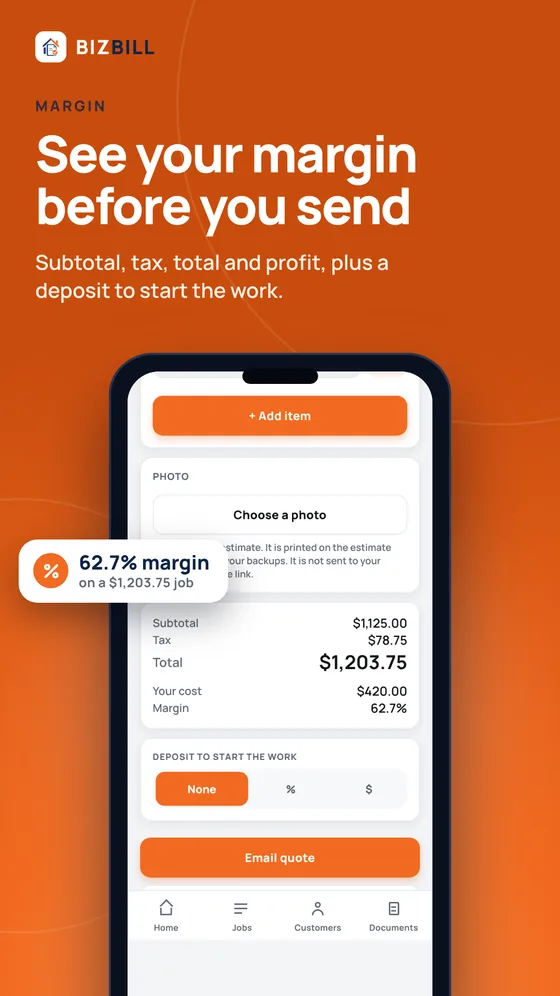
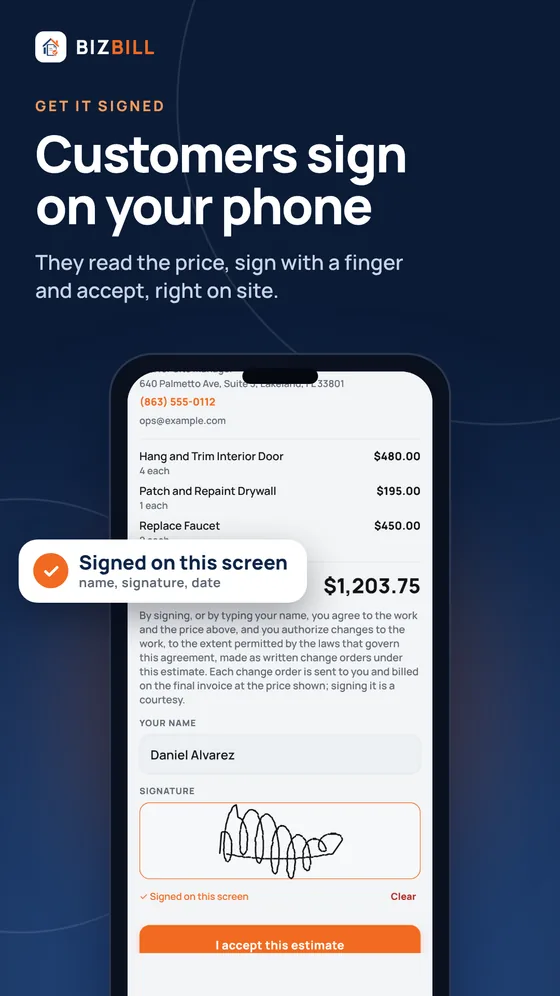
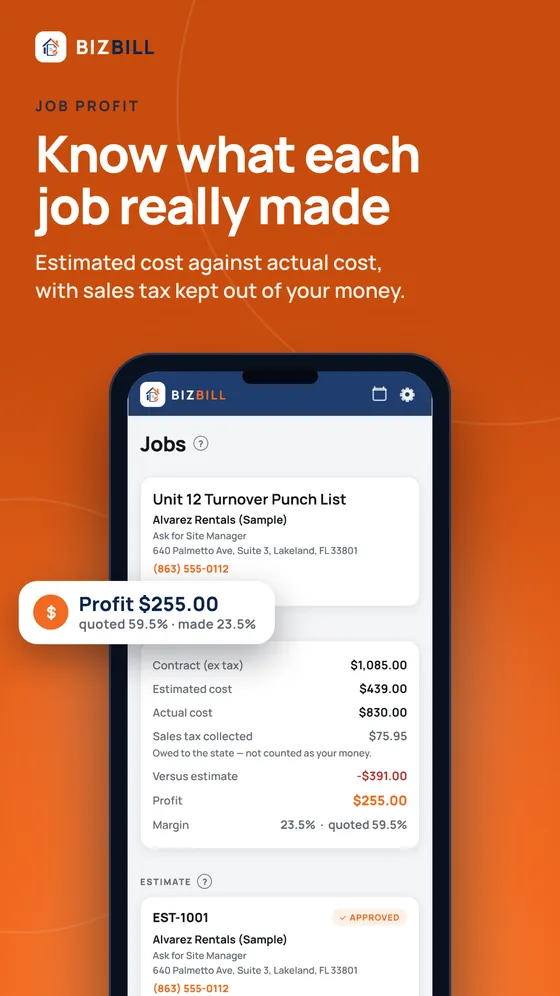
Open the app and tap Load sample job to look around first. No sign-up.
Pricing
Free to start. Subscribe when you send.
- Build and price as many estimates as you like, free.
- See your margin on every one, before it goes anywhere.
- Try the built-in sample job to look around first.
- A subscription through Google Play lets you send estimates and invoices to customers. Google Play shows the price before you subscribe, and you can cancel there any time.
Questions
Before you install
Is BIZBILL free?
You can build and price estimates for free, and try the sample job to look around. Sending to customers needs a subscription through Google Play, and Google Play shows you the price before you subscribe.
Do I need to create an account?
No. There is no sign-up, no password and no login. Open the app and start your first estimate.
Does it work without a signal?
Yes. Your records live on your phone, so you can build estimates and record payments with no signal. You need a connection only to send something to a customer or to back up.
What if I lose my phone?
Turn on cloud backup in Settings. A locked copy goes up as you work, and only your recovery code can open it. Write the code down: nobody, including us, can reset it.
Can customers pay by card?
If you connect your own Stripe account, which is optional, customers can pay a deposit or an invoice by card from the link you send. The money goes to your account and BIZBILL takes nothing; Stripe’s fee applies. You can also record cash, check, Cash App, Venmo and Zelle yourself.
Is there an iPhone version?
Not yet. BIZBILL is on Google Play for Android phones.
Who sees my data?
You do. BIZBILL has no accounts, no ads and no third-party analytics, and we do not sell your data. It is published by Prodigy Digital Labs; the privacy policy has the detail.
Quote it. Get it signed. Get paid.
Put your paperwork on your phone and spend the evening on something else.
Get BIZBILL on Google PlayFree to make estimates · No sign-up · For Android